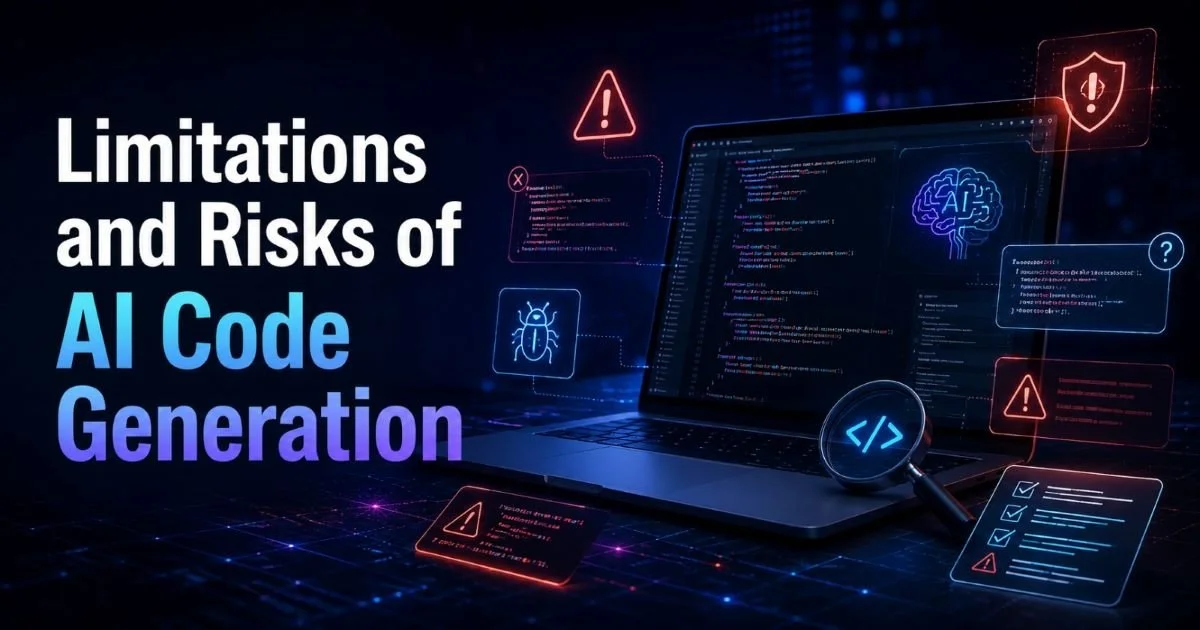
Limitations and risks of AI code generation deserve serious attention from every developer who uses these tools. The technology has made impressive strides, letting you generate boilerplate code, scaffold entire projects, and automate repetitive tasks in seconds. But the speed and convenience come with real trade-offs that can hurt your projects if you don't recognize them early. Security vulnerabilities, hallucinated APIs, licensing gray areas, and brittle output are just a few of the hazards waiting in AI-generated code.
If you want a solid foundation on how this technology works, read our overview of what AI code generation is, including definitions, examples, and how it works. This guide walks you through exactly how to identify, manage, and mitigate each major risk so your workflow stays productive without becoming reckless.
Key Takeaways
- AI-generated code frequently contains security vulnerabilities that automated scanners can miss.
- Models hallucinate function names, parameters, and entire APIs that don't exist.
- Licensing risks arise when generated code mirrors copyrighted training data too closely.
- Over-reliance on AI tools erodes the debugging and architectural skills developers need most.
- Every piece of AI-generated code should pass the same review standards as human-written code.
Step 1: Identify Security Vulnerabilities in AI-Generated Code
Security is the most immediate concern among the limitations and risks of AI code generation. A 2023 Stanford study found that developers using AI assistants produced significantly less secure code compared to those writing it manually. The models learn from public repositories that contain plenty of insecure patterns, and they reproduce those patterns without any awareness of context. Your first job is to treat every AI-generated snippet as untrusted input until you prove otherwise.
Common Vulnerability Patterns
SQL injection tops the list. AI models frequently generate database queries using string concatenation instead of parameterized statements, especially when the prompt doesn't explicitly mention security. Cross-site scripting (XSS) is another frequent guest; generated frontend code often injects user input directly into the DOM. Hardcoded credentials, insecure default configurations, and missing input validation round out the usual suspects you should scan for.
Run static analysis tools like Semgrep, Bandit (for Python), or ESLint security plugins immediately after pasting AI output into your project. These tools catch roughly 60 to 70 percent of common issues. For deeper analysis, consider using an AI code interpreter to step through the logic and observe runtime behavior before the code reaches production. Manual code review by a teammate remains the gold standard for anything touching authentication, payments, or personal data.
Never deploy AI-generated code that handles authentication or payment processing without a thorough manual security review.
The difference between AI code generation and manual coding becomes starkest around security. A human developer thinks about threat models, attack surfaces, and edge cases. An AI model optimizes for the most statistically probable next token. That fundamental gap means you must bring the security thinking yourself; the tool will not do it for you.
Step 2: Detect Hallucinations and Incorrect Logic
AI models confidently generate code that references functions, libraries, and API endpoints that simply do not exist. This phenomenon, called hallucination, is one of the trickiest limitations and risks of AI code generation because the output looks perfectly plausible. A model might call a method named pandas.DataFrame.to_optimized_csv() with correct-looking syntax, but that method was never part of the pandas library. Your code compiles mentally but fails at runtime.
Why Models Hallucinate
Large language models generate text probabilistically. They predict what code "should" come next based on patterns in training data, not by consulting documentation or running a compiler. When the prompt sits in an area where training data is sparse, perhaps a newer library version or a niche framework, the model fills the gap with plausible-sounding fabrications. The confidence level in the output stays identical whether the code is correct or completely invented.
Hallucinations increase sharply when you prompt for code using libraries released after the model's training data cutoff.
To catch hallucinations, build a verification habit. After generating code, check every import and function call against official documentation. Write unit tests that exercise each generated function in isolation. If you're working with an unfamiliar API, verify the endpoint URLs and response schemas manually. This takes time, but it saves you from debugging phantom errors that make no logical sense. The top AI code generation tools vary widely in hallucination rates, so choosing the right tool for your language and framework matters.
Logic errors are subtler. The code runs without crashing but produces wrong results. An AI might implement a sorting algorithm that works on most inputs but fails on edge cases like empty arrays or duplicate values. It might reverse the order of conditional checks, silently breaking business logic. Test-driven development is your strongest defense here: write the tests first, then let the AI generate the implementation, and verify immediately.
"The most dangerous AI-generated bug is the one that passes all your happy-path tests but silently corrupts data on edge cases."
Step 3: Understand Licensing and Intellectual Property Risks
AI code generation models train on billions of lines of publicly available source code, including repositories under GPL, AGPL, MIT, Apache, and other licenses. When a model reproduces a substantial portion of copyrighted code verbatim, you inherit the obligations of that code's license without knowing it. This is one of the lesser-discussed limitations and risks of AI code generation, but it carries real legal weight, especially for commercial software.
In 2022, a class-action lawsuit was filed against GitHub, Microsoft, and OpenAI alleging that Copilot reproduces licensed code without proper attribution. The legal landscape is still evolving, but the risk is concrete today. If your generated code matches GPL-licensed source material, your entire project could theoretically be subject to copyleft requirements. For startups and enterprises shipping proprietary software, this is not a hypothetical concern.
Practical Steps to Reduce IP Exposure
Start by enabling any duplication-detection filters your AI tool offers. GitHub Copilot, for example, has a setting that blocks suggestions matching public code. Run tools like licensee or scancode-toolkit against your codebase periodically to flag snippets that match known open-source code. Document which parts of your project were AI-generated so legal teams can audit them if needed. These measures won't eliminate risk entirely, but they reduce your exposure significantly.
Also Check: Static Analysis vs Manual Code Review Compared
| Code Category | Risk Level | Recommended Action |
|---|---|---|
| Boilerplate / Config | Low | Quick review, run duplication check |
| Algorithm Implementation | Medium | Compare against known open-source implementations |
| Business Logic | Medium | Rewrite substantially, add proprietary tests |
| Full Module / Library | High | Manual audit with license scanning tools |
| Copied Code Suggestions | Very High | Reject or rewrite completely |
Many common use cases for AI code generation involve boilerplate and scaffolding where licensing risk is lower. But the moment you start generating complex algorithms or domain-specific logic, the odds of reproducing training data climb. Being aware of this distinction helps you allocate your review effort where it matters most.
Keep a log of which files contain AI-generated code so you can run targeted license scans during release preparation.
Step 4: Prevent Skill Erosion and Over-Reliance
One of the quieter limitations and risks of AI code generation is what it does to your own abilities over time. When you accept suggestions without fully understanding them, you stop engaging the problem-solving muscles that make you a capable developer. Junior developers are especially vulnerable; they might learn to prompt effectively but never develop the deep debugging intuition that comes from writing and breaking code yourself. The convenience is real, but so is the cost.
Consider this scenario: you use AI to generate a React component with state management. It works. You ship it. Three months later, a bug appears in the state logic, and you can't trace the issue because you never truly understood the generated implementation. You end up spending more time debugging than you saved generating. This cycle, fast generation followed by slow comprehension, is common enough that senior engineers at multiple companies have flagged it as a team-level concern.
Building a Balanced Workflow
Set boundaries for yourself. Use AI generation for tasks you already know how to do manually, like scaffolding CRUD endpoints or writing test boilerplate. For areas where you're learning, write the first draft yourself and then compare it against AI output. This approach turns the AI into a tutor rather than a crutch. You still benefit from the speed boost on routine work while preserving your growth in areas that matter for your career trajectory.
Dedicate one coding session per week to writing everything manually. It keeps your fundamentals sharp and improves your ability to evaluate AI output.
Team leads should establish clear guidelines about when AI generation is appropriate and when manual implementation is expected. Code reviews should include questions like "Can you explain why this approach was chosen?" rather than just checking if the tests pass. Building a culture where understanding the code is valued as much as shipping it will protect your team from the slow erosion that unchecked AI reliance creates. The goal is augmentation, not replacement, of your engineering judgment.
Frequently Asked Questions
?How do I run Semgrep or Bandit on AI-generated code quickly?
?Is AI-generated code riskier than open-source copy-paste code?
?How much extra review time should I budget for AI-generated code?
?Does using AI tools for everything really erode coding skills over time?
Final Thoughts
The limitations and risks of AI code generation are manageable, but only if you take them seriously from day one. Treat AI output like code from an anonymous contributor: review it, test it, scan it, and understand it before it enters your project.
Build verification habits into your workflow so security vulnerabilities, hallucinations, licensing issues, and skill erosion never catch you off guard. The developers who thrive with these tools will be the ones who pair speed with skepticism.
Disclaimer: Portions of this content may have been generated using AI tools to enhance clarity and brevity. While reviewed by a human, independent verification is encouraged.