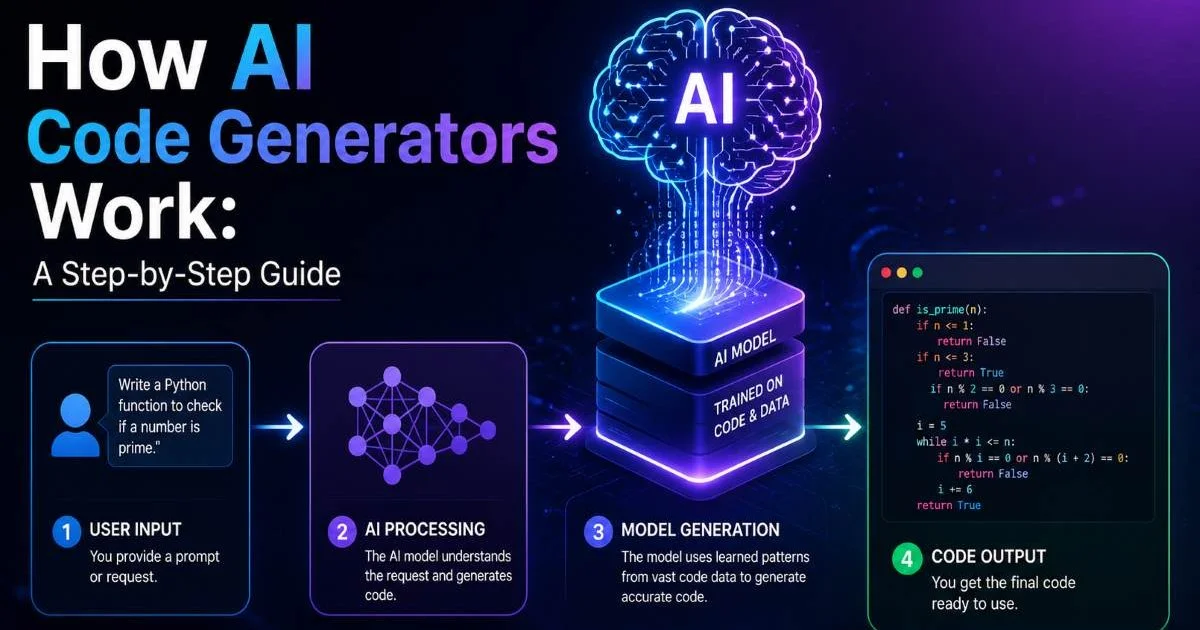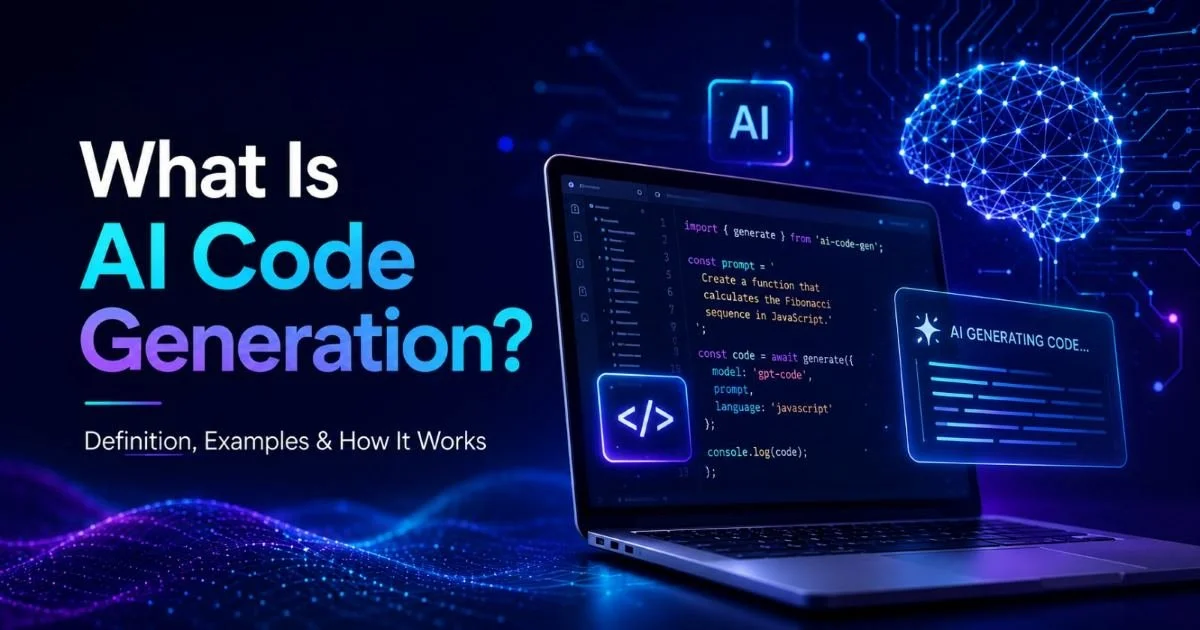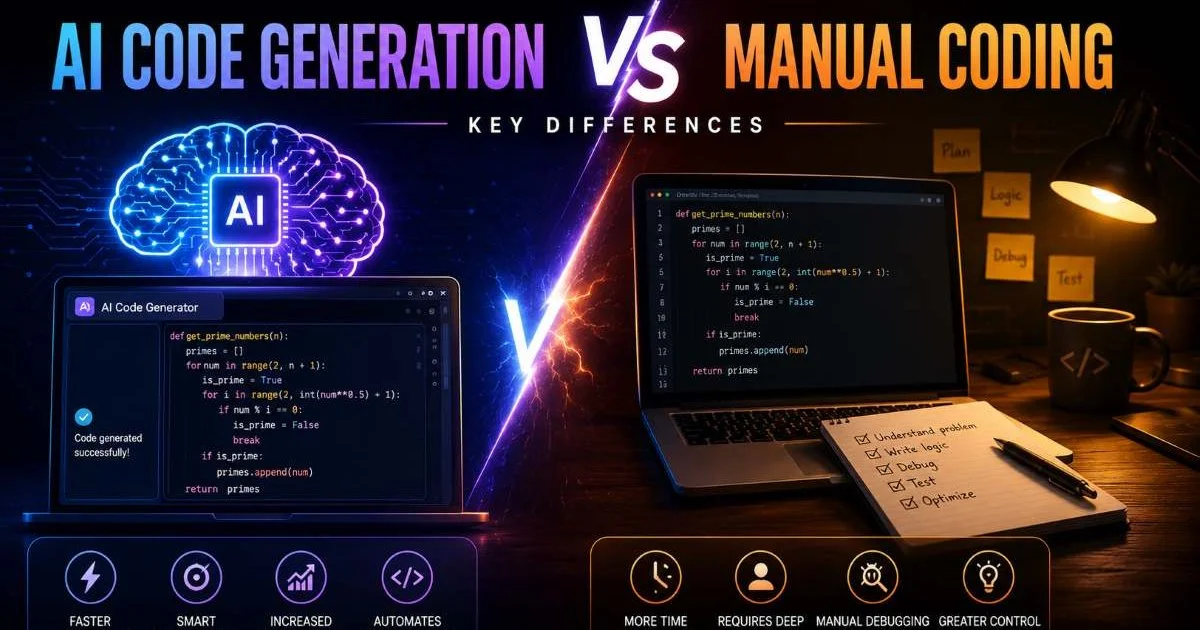
AI code generation vs manual coding: key differences matter more today than ever, especially if you're a developer deciding how to spend your time. The rise of machine learning models that write functional code has changed expectations across the industry. But does that mean manual coding is outdated? Not quite. Both approaches carry distinct advantages, and the right choice depends on your project's complexity, your experience level, and the quality bar you need to hit.
If you're new to this space, our guide on what AI code generation is, including definitions and examples, provides a solid foundation. This article breaks down the two approaches across four key dimensions so you can make an informed decision about when to use each one.
Key Takeaways
- AI code generation excels at speed but often requires human review for production readiness.
- Manual coding gives you full control over architecture, logic, and edge case handling.
- Combining both approaches typically produces the best results for most development teams.
- AI tools struggle with complex business logic that requires deep contextual understanding.
- Learning manual coding fundamentals remains essential even when using AI-assisted tools regularly.

Speed and Productivity
Where AI Saves Time
The most obvious advantage of AI code generation is raw speed. Tools like GitHub Copilot, ChatGPT, and dedicated platforms like Prompt To Code can produce boilerplate code, utility functions, and standard components in seconds. A task that might take a developer 30 minutes to write from scratch, such as a REST API endpoint with validation, can be generated in under a minute. For repetitive patterns, the time savings are dramatic and measurable.
AI tools shine brightest during the scaffolding phase of a project. Setting up project structures, writing CRUD operations, generating test stubs, and creating configuration files are all tasks where speed gains are substantial. You can explore common use cases for AI code generation today to see where these tools fit naturally into real workflows. The pattern recognition capabilities of modern models mean they handle predictable code structures with remarkable efficiency.
When Manual Coding Is Faster
Manual coding can actually be faster when you're dealing with highly specific business logic or working within an unusual architecture. In these cases, explaining your requirements to an AI tool through multiple prompt iterations takes longer than just writing the code yourself. Experienced developers who know exactly what they need often find that their fingers move faster than the back-and-forth of prompt engineering.
If you spend more than three prompts refining AI output for a single function, write it manually instead.
There's also the hidden time cost of AI-generated code: review time. Every piece of generated code needs to be read, understood, tested, and potentially refactored. When you factor in this verification step, the speed advantage narrows, particularly for complex features. The net productivity gain depends heavily on how familiar you are with the domain and how well the AI model handles your specific programming language and framework.
Code Quality and Reliability
AI Output Quality
AI-generated code is often functionally correct for straightforward tasks but can introduce subtle issues. Common problems include using deprecated APIs, generating code that works but doesn't follow your project's conventions, and occasionally producing solutions with security vulnerabilities. The models are trained on vast amounts of public code, which means they sometimes reproduce patterns from outdated or poorly written sources. Understanding the limitations and risks of AI code generation helps you anticipate these pitfalls.
Type safety is another concern. AI tools sometimes generate code that passes a casual glance but fails under edge conditions. For example, an AI might generate a function that handles the happy path perfectly but doesn't account for null inputs, network timeouts, or concurrent access. These are exactly the kinds of bugs that cause production incidents, and they require a trained human eye to catch.
Never deploy AI-generated code directly to production without thorough testing and code review.
Manual Code Quality
Manual coding, done by a skilled developer, typically produces more intentional and context-aware code. When you write each line yourself, you naturally consider how it integrates with existing code, whether naming conventions are consistent, and how the function will behave under stress. This mindfulness leads to fewer surprises during integration testing. The tradeoff is that manual coding also introduces human error, typos, and the occasional logic mistake that comes from fatigue.
The quality gap between AI and manual code narrows as AI tools improve, but it widens as project complexity increases. For a simple utility library, AI-generated code might be indistinguishable from hand-written code. For a financial trading system where precision matters (like applications using specialized forex APIs), manual coding with expert review remains the safer choice. Context, institutional knowledge, and domain expertise are things that AI models still approximate rather than truly understand.
Learning and Skill Development
For beginner developers, the question of AI code generation vs manual coding carries significant educational implications. Writing code manually forces you to understand syntax, data structures, algorithms, and debugging workflows at a foundational level. This struggle is productive. You build mental models of how languages work, which makes you a stronger problem-solver even when you eventually adopt AI tools. Skipping this step can leave gaps in understanding that surface during interviews, debugging sessions, or architectural discussions.
"Developers who learn to code manually first use AI tools more effectively because they know what good output looks like."
AI tools can actually accelerate learning when used correctly. Reviewing generated code, understanding why the AI chose a particular approach, and comparing it to your own solution creates a feedback loop that strengthens your skills. Think of it like learning a language: you need to understand grammar before using a translation tool effectively. The developers who get the most value from AI assistants are those who can critically evaluate what the AI produces.
There's a real risk of learned helplessness if you rely on AI generation too early in your career. Studies from computer science education programs suggest that students who use AI assistants extensively before mastering fundamentals show weaker debugging skills and less ability to reason about code behavior. The tools are best treated as an accelerator for competent developers, not a replacement for foundational learning. You can compare how different top AI code generation tools handle educational use cases to find one that supports learning rather than replacing it.
Use AI tools as a learning companion by asking them to explain their generated code step by step.
Mid-level developers face a different challenge. At this stage, using AI tools wisely means knowing which tasks to delegate and which to handle manually. Writing a complex state management system? Do it yourself to deepen your understanding. Generating test data or mock functions? Let the AI handle it. This selective approach builds expertise where it matters while saving time on lower-value work. The key is treating AI as a junior assistant rather than an oracle.
AI Code Generation vs Manual Coding: Key Differences in Real-World Use
Best-Fit Scenarios
In real-world projects, the AI code generation vs manual coding debate rarely has a binary answer. Most professional teams use a hybrid approach. AI handles the initial draft, scaffolding, and boilerplate, while developers focus on architecture decisions, complex logic, and code review. This division of labor mirrors how other industries work: architects design buildings, but they use CAD software to generate technical drawings. The tool doesn't replace the expertise; it amplifies it.
| Criteria | AI Code Generation | Manual Coding |
|---|---|---|
| Speed for boilerplate | Very fast (seconds) | Slow (minutes to hours) |
| Complex business logic | Often needs heavy revision | More accurate first attempt |
| Code consistency | Varies without configuration | Developer-controlled |
| Security awareness | May miss vulnerabilities | Depends on developer skill |
| Debugging difficulty | Harder (unfamiliar patterns) | Easier (you wrote it) |
| Learning value | Moderate with active review | High for all skill levels |
| Cost efficiency | Lower for simple tasks | Lower for complex tasks |
Startups and solo developers often benefit most from AI code generation because they need to move quickly with limited resources. Building an MVP, generating documentation, or prototyping features are all scenarios where speed outweighs perfection. Larger teams with established codebases tend to rely more heavily on manual coding because consistency and maintainability across hundreds of files demand human judgment and institutional knowledge.
The AI code generation vs manual coding decision also depends on your tech stack. AI models perform best with popular languages like Python, JavaScript, and TypeScript, where training data is abundant. If you're working in Rust, Elixir, or a niche framework, the AI output quality drops noticeably, and manual coding becomes the more reliable path. Understanding your tools' strengths within your specific context is what separates efficient developers from frustrated ones.
Looking ahead, the line between AI-generated and manually written code will continue to blur. AI tools are getting better at understanding project context, following style guides, and handling complex logic. But the need for developers who can think critically, design systems, and make judgment calls isn't going away. The most valuable skill in 2024 and beyond is knowing when to type and when to prompt. AI code generation vs manual coding isn't an either-or choice; it's a spectrum, and the best developers operate fluidly across it.
Create a personal decision framework listing which task types you delegate to AI and which you always code manually.
Frequently Asked Questions
?When should I stop prompting AI and just write the code myself?
?How does AI code generation compare to manual coding for complex business logic?
?Does the time saved by AI coding tools shrink once review time is factored in?
?Is it a mistake to rely on AI tools without learning manual coding fundamentals?
Final Thoughts
Both AI code generation and manual coding have clear strengths, and neither is universally superior. The practical answer for most developers is to use both, strategically. Learn the fundamentals manually, then accelerate your workflow with AI tools where they genuinely save time without compromising quality.
Stay critical of generated output, invest in understanding your tools' limitations, and remember that the developer's judgment is what turns code into reliable software.
Disclaimer: Portions of this content may have been generated using AI tools to enhance clarity and brevity. While reviewed by a human, independent verification is encouraged.