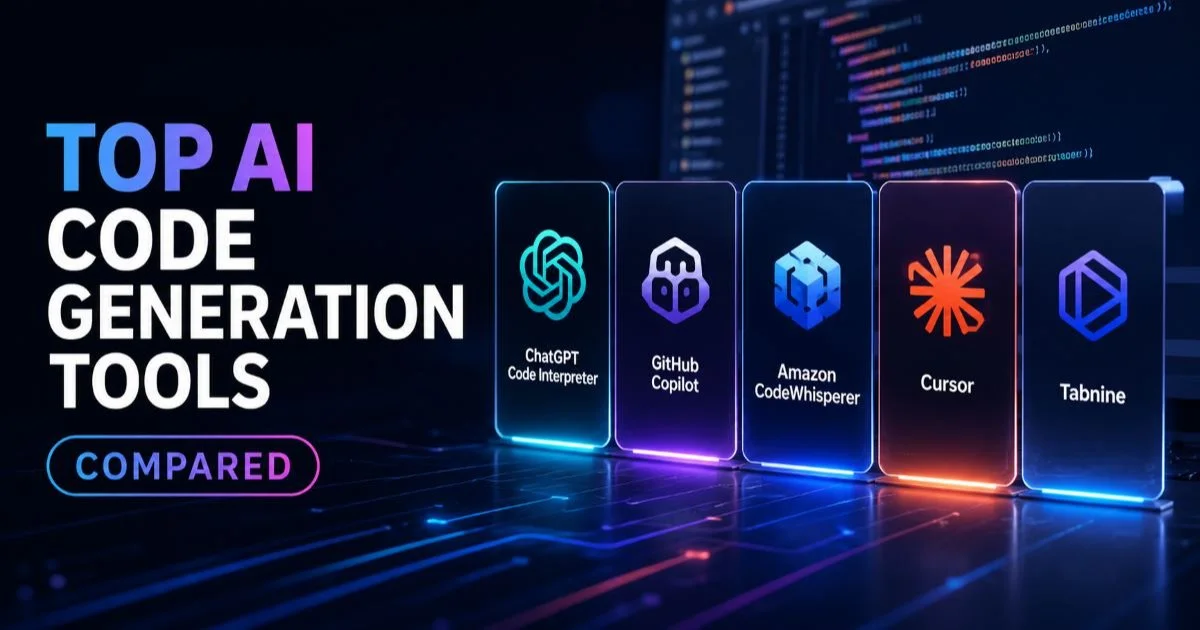
Top AI code generation tools compared is one of the most searched topics among developers trying to figure out which assistant actually fits their workflow. The market has exploded over the past two years, and picking the right tool can mean the difference between shipping a feature in hours versus days.
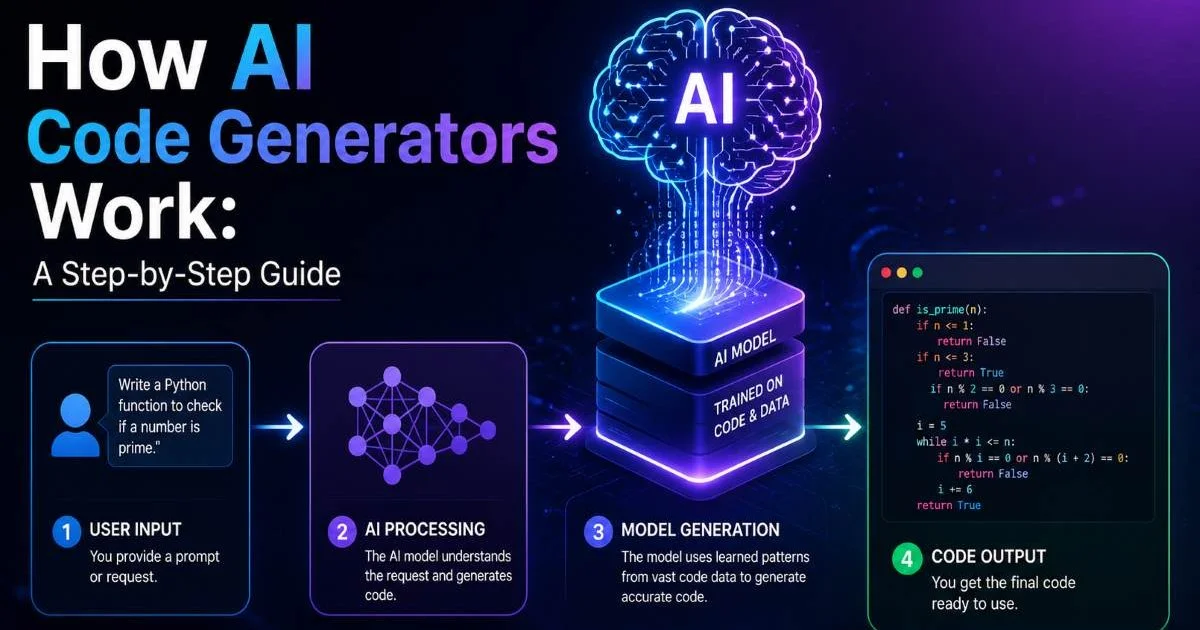
Whether you're building a personal project or contributing to a production codebase, the tool you choose shapes your speed, code quality, and learning curve. If you're new to this space, understanding what AI code generation is, including its definition, examples, and how it works, provides the foundation you need before comparing tools. This guide walks you through a practical, step-by-step process for evaluating and selecting the right AI coding assistant. By the end, you'll know exactly what to look for and how each major player stacks up.
Key Takeaways
- GitHub Copilot leads in IDE integration, but alternatives are catching up fast.
- Free tiers vary wildly; some tools limit completions while others restrict models.
- Context window size directly impacts how well a tool handles large codebases.
- No single tool excels at every language, framework, and project type equally.
- Testing two or three tools on your actual codebase gives the most reliable comparison.
1. Identify Your Requirements Before Choosing a Tool
Project Type Matters
Before diving into feature lists, sit down and define what you actually need from an AI coding assistant. A solo developer building a React portfolio site has wildly different requirements than a backend engineer working on distributed microservices. Your primary programming language, framework preferences, and whether you need inline completions versus full-file generation all shape which tool deserves your attention. Write these requirements down explicitly so you can score each tool against them later.
The common use cases for AI code generation today range from boilerplate scaffolding to complex algorithm implementation. If your daily work involves repetitive CRUD operations, even the simplest autocomplete tool will save you hours. But if you're tackling novel problem-solving or working with niche libraries, you need a tool with a larger context window and better reasoning capabilities. Understanding your use case prevents you from overpaying for features you'll never touch.
Budget and Access
Budget is a real constraint, especially for beginners and indie developers. GitHub Copilot costs $10 per month for individuals, while some alternatives like Codeium offer generous free tiers. Enterprise plans from tools like Tabnine or Amazon CodeWhisperer bundle compliance features that solo developers don't need. Map your budget to your needs honestly, and remember that a free tool you actually use beats a premium subscription you forget about.
Create a simple spreadsheet with your top five requirements ranked by priority before evaluating any tool.
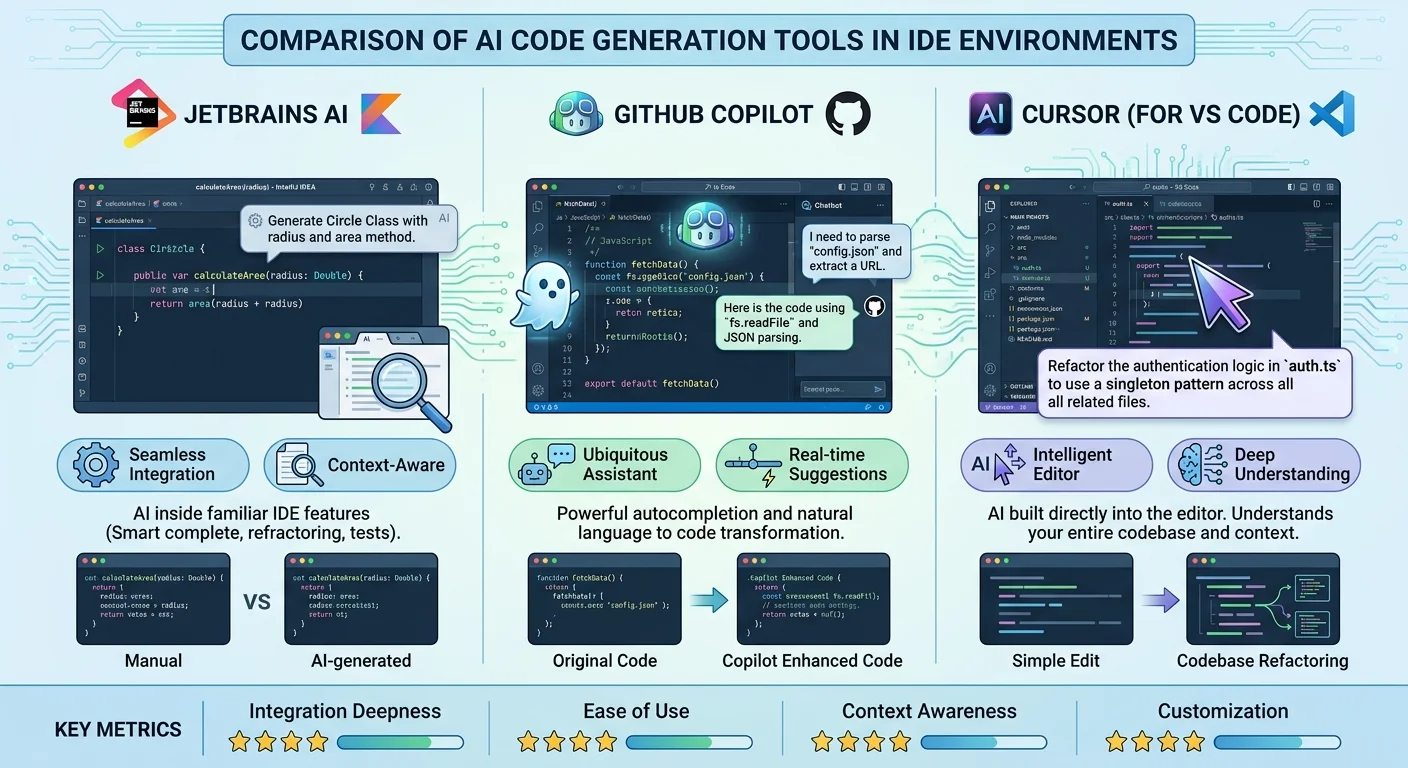
IDE compatibility is another non-negotiable factor. If you live in VS Code, most tools will work fine. But developers using JetBrains IDEs, Neovim, or Emacs will find that support varies significantly. Some tools offer browser-based interfaces as a fallback. Check the specific plugin or extension availability for your editor before committing to any platform, because switching IDEs just to use a code generation tool is rarely worth the disruption.
2. Compare the Leading AI Code Generation Tools
GitHub Copilot
When people discuss top AI code generation tools compared side by side, GitHub Copilot usually anchors the conversation. Powered by OpenAI's Codex models and now GPT-4, Copilot offers inline suggestions, chat-based code generation, and workspace-aware context. It supports dozens of languages with particularly strong performance in Python, JavaScript, TypeScript, and Go. The tight integration with VS Code and GitHub's ecosystem makes it the default choice for many teams already invested in that platform.
Also Read: Top Secure Code Review Tools for Developer Teams
Amazon CodeWhisperer, now part of Amazon Q Developer, targets AWS-centric workflows. Its standout feature is security scanning that flags suggestions matching known vulnerable code patterns. The free individual tier includes unlimited code suggestions, which undercuts Copilot on price. For developers building on AWS infrastructure, CodeWhisperer's awareness of AWS APIs and services gives it a contextual advantage that general-purpose tools can't match easily.
Cursor and Alternatives
Cursor has emerged as a serious contender by forking VS Code and building AI capabilities directly into the editor experience. Rather than bolting on a plugin, Cursor treats AI as a first-class citizen of the coding environment. It supports multiple model backends including GPT-4, Claude, and open-source models. For a broader look at similar emerging options, the roundup of best AI vibe coding tools covers several newer entrants worth exploring alongside the established players.
Tabnine and Codeium round out the competitive landscape with distinct philosophies. Tabnine emphasizes privacy, offering on-premise deployment and models that never send your code to external servers. Codeium focuses on accessibility with a robust free tier and fast autocomplete. Both tools have improved dramatically in 2024, narrowing the quality gap with Copilot while offering advantages in specific areas like privacy compliance and cost efficiency.
| Tool | Free Tier | Best Language Support | IDE Support | Monthly Cost (Individual) |
|---|---|---|---|---|
| GitHub Copilot | Limited | Python, JS, TS, Go | VS Code, JetBrains, Neovim | $10 |
| Amazon Q Developer | Yes (unlimited) | Python, Java, JS | VS Code, JetBrains | $19 (Pro) |
| Cursor | Yes (limited) | Multi-language | Cursor Editor (VS Code fork) | $20 |
| Tabnine | Yes (basic) | Multi-language | VS Code, JetBrains, Vim | $12 |
| Codeium | Yes (generous) | 70+ languages | VS Code, JetBrains, others | $12 |
3. Evaluate Code Quality and Accuracy Across Tools
Testing Methodology
Having top AI code generation tools compared on features alone isn't enough. You need to test the actual output quality against tasks you perform regularly. Create a benchmark of five to ten coding tasks that represent your typical workload. Include simple tasks like writing a utility function, medium tasks like building an API endpoint, and complex tasks like refactoring a module. Run each task through every tool you're considering and score the results for correctness, readability, and how much editing was required.
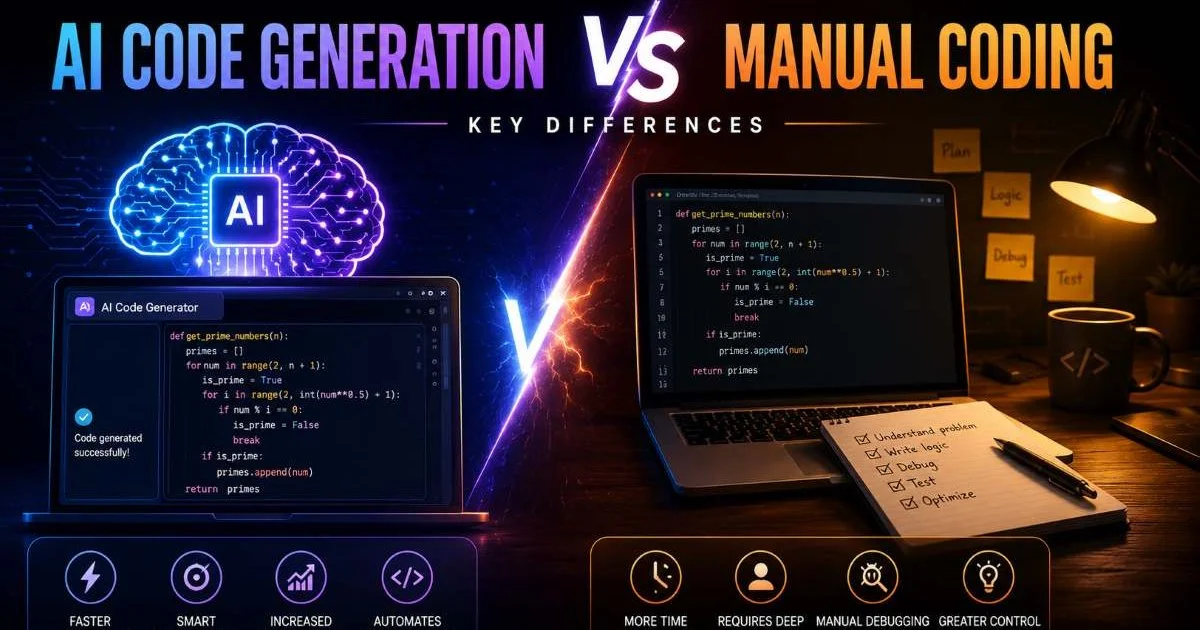
Pay close attention to how each tool handles your specific frameworks and libraries. A tool might produce excellent vanilla JavaScript but stumble when you need Next.js App Router conventions or Prisma ORM queries. The difference between AI code generation and manual coding narrows significantly when the AI understands your framework's idioms. Test with real project files open in your editor, because context-aware suggestions are only as good as the context the tool can actually read.
"The best AI coding tool is the one that consistently produces code you'd actually merge without heavy editing."
Handling Edge Cases
Edge case handling separates good tools from great ones. Ask each tool to write error handling, input validation, and boundary condition checks. Copilot and Cursor tend to produce more defensive code by default, while some free-tier tools generate the "happy path" and leave edge cases to you. Deliberately prompt each tool with ambiguous requirements and observe whether it asks for clarification (in chat mode) or makes reasonable assumptions in autocomplete mode. This reveals how well the underlying model reasons about intent.
AI-generated code should always be reviewed. Even top-performing tools produce incorrect logic roughly 20 to 30 percent of the time on complex tasks.
Be aware of the limitations and risks of AI code generation as you evaluate. Tools occasionally suggest deprecated APIs, introduce subtle bugs, or produce code that technically works but violates best practices for your stack. Track how often each tool's suggestions require significant correction versus minor tweaks. A tool that's right 85% of the time with minor fixes beats one that's right 70% of the time requiring rewrites, even if the second tool has flashier features.
4. Make Your Final Decision and Integrate Into Your Workflow
Trial Period Strategy
After comparing features and testing code quality, narrow your list to two finalists and use both for a full working week each. Top AI code generation tools compared in artificial benchmarks often perform differently during real, sustained use. The tool that felt snappy during a ten-minute test might become annoying when it interrupts your flow with irrelevant suggestions on day three. Pay attention to how the tool handles your coding rhythm, whether it learns from your patterns, and how intrusive or helpful the suggestion timing feels.
During your trial week, track specific metrics. Count how many suggestions you accept versus dismiss each day. Note the time you spend editing AI-generated code versus writing from scratch. Measure whether you feel faster or slower overall, not just on individual completions. Some developers find that aggressive autocomplete tools save time on boilerplate but slow them down on logic-heavy code because they keep pausing to evaluate suggestions. Your personal data will be more reliable than any review article.
Disable the AI tool for one day during your trial week to establish a baseline comparison for your actual productivity.
Long-Term Considerations
Think about the trajectory of each tool, not just its current state. GitHub Copilot benefits from Microsoft's massive investment in OpenAI. Cursor's team ships updates at a rapid pace and has strong community momentum. Amazon Q Developer will likely deepen AWS integration further. Look at each tool's changelog and release frequency. A tool that ships meaningful improvements every two weeks signals an active team that will keep up with the fast-moving AI landscape.
Team dynamics matter if you're not working alone. Some tools offer shared snippet libraries, team usage analytics, or organization-wide configuration. If your team already uses one tool, the collaboration benefits of standardizing on it may outweigh the marginal quality difference of switching to another. Discuss with your teammates and try to align on a tool that works across different skill levels, editors, and programming languages within your group. Consistency across a team often produces better outcomes than individual optimization.
Avoid storing API keys or sensitive credentials in files open during AI coding sessions, as some tools transmit file context to cloud servers.
Frequently Asked Questions
?How do I test AI code tools on my actual codebase?
?Is GitHub Copilot still worth it with Cursor closing the gap?
?Can I get a capable AI coding assistant without paying $10/month?
?Does a bigger context window actually matter for small projects?
Final Thoughts
Having top AI code generation tools compared with a structured, hands-on approach gives you confidence in your final choice. No tool is universally best; the right pick depends on your languages, budget, IDE preferences, and the complexity of your projects.
Start with a free tier, test rigorously against your real workflow, and upgrade only when you've confirmed the tool actually makes you more productive. The AI coding landscape is moving fast, so revisit your choice every six months to see if a better option has emerged.
Disclaimer: Portions of this content may have been generated using AI tools to enhance clarity and brevity. While reviewed by a human, independent verification is encouraged.