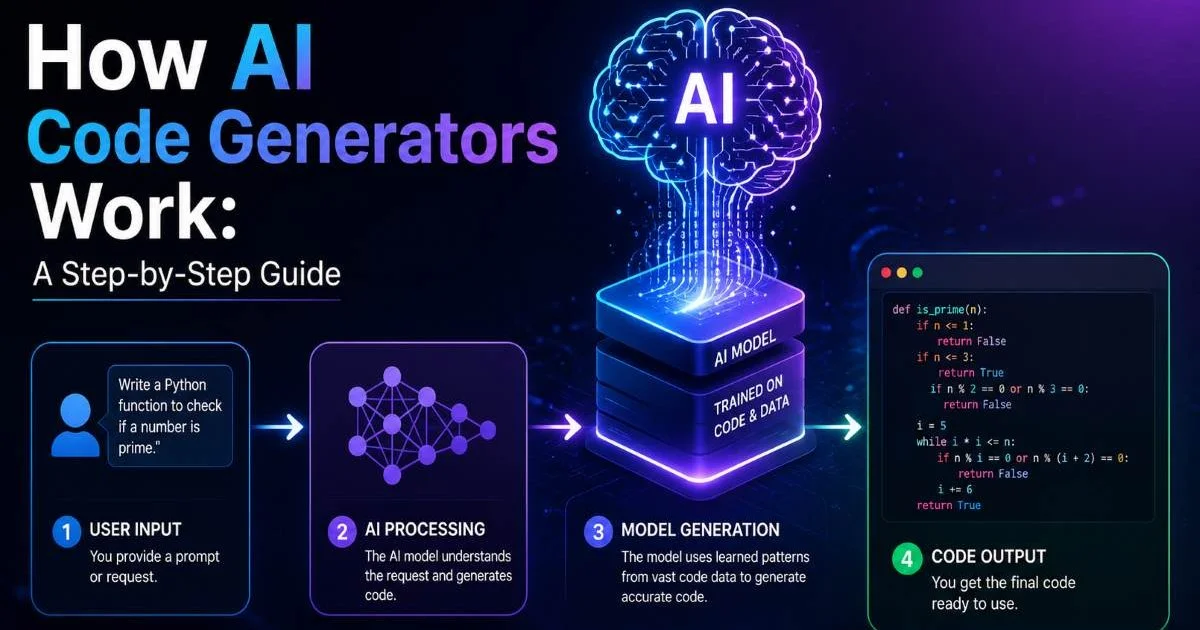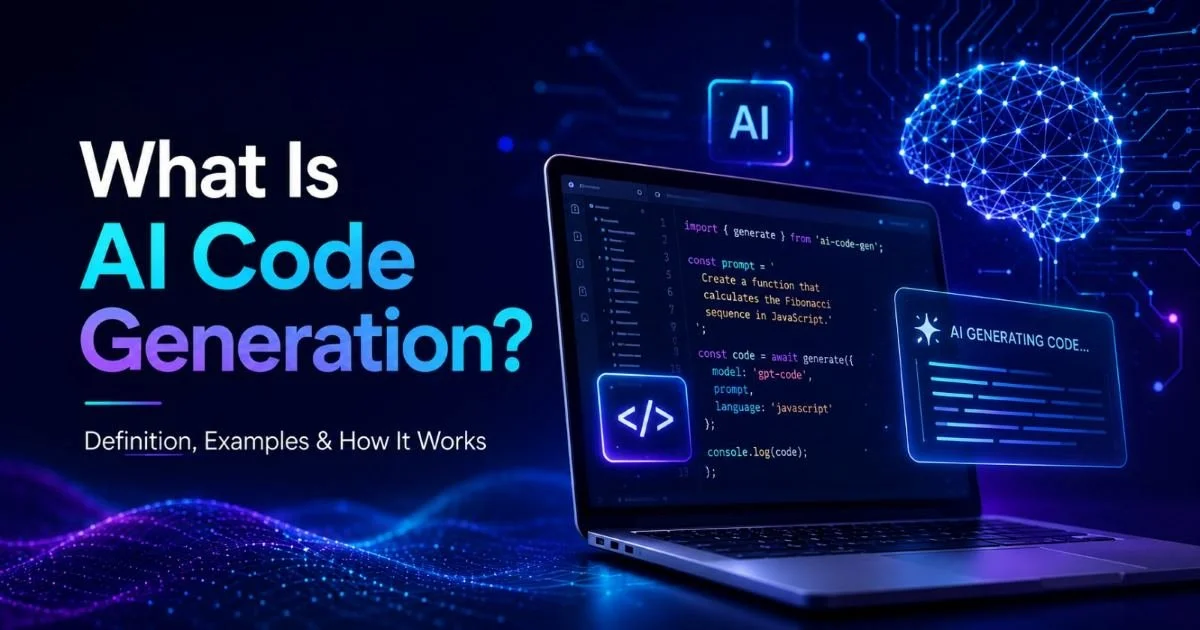
Common use cases for AI code generation today span everything from building landing pages to automating repetitive backend tasks. If you're a developer wondering where AI tools actually deliver practical value (and where they fall short), this guide breaks it down with real scenarios you can act on immediately. The hype around AI-assisted coding is loud, but the reality is more nuanced than marketing copy suggests. Some tasks genuinely benefit from AI generation, while others still demand careful human oversight.
Understanding which situations fit which category will save you hours of frustration and help you adopt these tools strategically. For a deeper foundation on the technology itself, read our overview of what AI code generation is, how it works, and where it came from. This guide focuses on the practical "where" and "how" so you can start applying AI code generation to your actual workflow today.
Key Takeaways
- AI code generation works best for repetitive, well-defined tasks like boilerplate and CRUD operations.
- Front-end scaffolding is one of the fastest-growing use cases for AI-generated code.
- Automated test generation reduces manual effort but still requires human review for edge cases.
- Data transformation scripts are ideal candidates because patterns are predictable and well-documented.
- Always validate AI-generated code before pushing to production to avoid security and logic errors.

1. Generate Front-End Scaffolding and UI Components
HTML and CSS Generation
One of the most common use cases for AI code generation today is building front-end interfaces from simple text descriptions. You describe a layout ("a responsive pricing table with three tiers"), and the AI produces clean HTML and CSS that gets you 80% of the way there. This approach works especially well for landing pages, marketing sites, and internal dashboards where speed matters more than pixel-perfect custom design. For a curated list of tools built specifically for this purpose, check out this roundup of the best AI HTML code generators.
The quality of generated front-end code has improved dramatically over the past two years. Tools like GitHub Copilot and specialized platforms can now produce accessible, semantic HTML that follows modern best practices. You'll still need to adjust spacing, tweak brand colors, and refine responsive breakpoints. But the initial scaffolding that used to take 45 minutes now takes under five, which frees you up for the design decisions that actually require human judgment.
Working With Component Frameworks
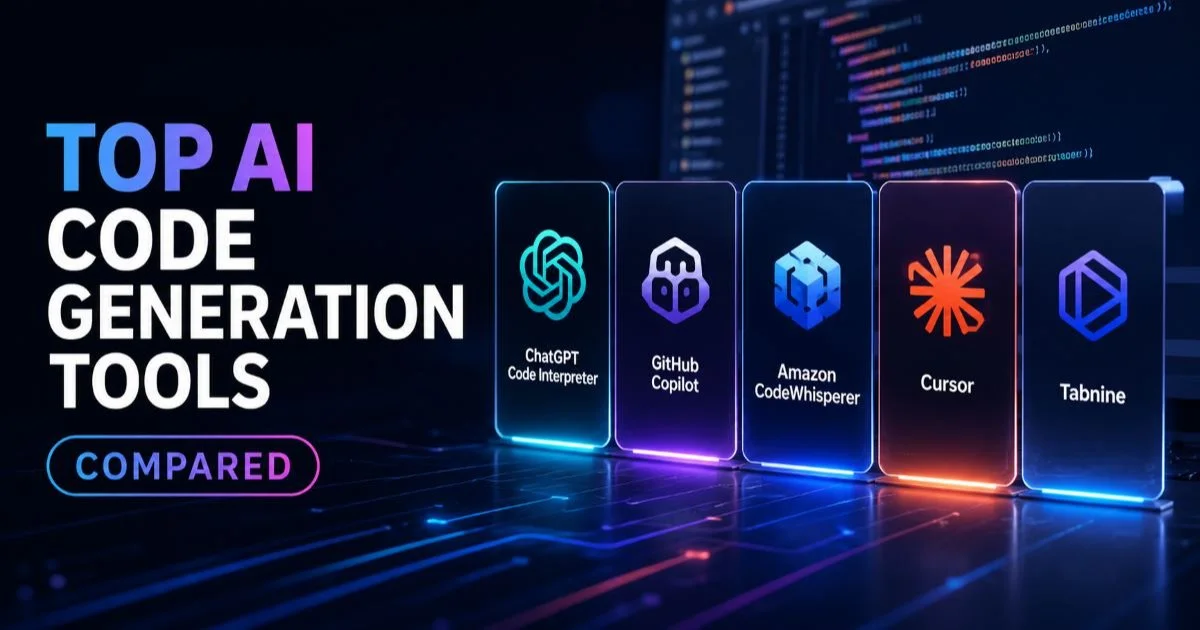
AI code generation also shines when you're working with React, Vue, or Svelte components. Describe a form with validation, a modal dialog, or a data table with sorting, and modern AI tools produce functional component code with proper state management. The output typically includes props definitions, event handlers, and basic styling. If you want to understand how these tools stack up against each other, our comparison of top AI code generation tools covers the differences in framework support and output quality.
One practical tip: be specific in your prompts. Instead of "make a form," try "create a React contact form component with name, email, and message fields, client-side validation, and a submit handler that posts to /api/contact." The more context you provide, the fewer iterations you'll need. AI tools respond to precision the same way a junior developer does; vague instructions produce vague results.
Start with a detailed description of your component's props, state, and behavior before generating code. Specificity cuts revision cycles in half.
2. Automate Backend Boilerplate and API Endpoints
CRUD Operations and Database Queries
Backend boilerplate is tedious, predictable, and perfectly suited for AI generation. Creating CRUD endpoints for a new database model follows a pattern that barely changes between projects: define the schema, write create/read/update/delete handlers, add input validation, connect to the database. AI tools handle this pattern exceptionally well because the training data is rich with millions of similar implementations across Express, Django, Flask, Rails, and Spring Boot projects.
Database query generation is another strong use case. Describe what data you need ("get all orders placed in the last 30 days, grouped by customer, with total spend"), and AI tools produce SQL or ORM queries that are syntactically correct most of the time. Complex joins and subqueries occasionally need manual fixes, but straightforward queries arrive ready to use. This is especially valuable for developers who work across multiple database systems and don't always remember the syntax differences between PostgreSQL, MySQL, and MongoDB aggregation pipelines.
Always review AI-generated database queries for performance implications. The AI may produce correct but unoptimized queries that miss important indexes.
REST and GraphQL API Scaffolding
Setting up a new API with proper routing, middleware, error handling, and response formatting is another area where AI generation saves real time. You can describe your endpoints in plain English and receive a working Express.js or FastAPI server with structured error responses and input validation middleware. The generated code follows conventional patterns, which makes it easy for other developers on your team to read and maintain.
GraphQL schema and resolver generation is a particularly strong fit. Defining types, queries, mutations, and resolvers involves substantial boilerplate that follows rigid structural rules. AI tools produce this scaffolding accurately because the format is highly standardized. You'll spend your time on business logic rather than wiring, which is exactly where your expertise adds the most value. Understanding the tradeoffs between AI-generated and hand-written approaches is worth exploring through our article on AI code generation vs manual coding.
| Backend Task | AI Generation Quality | Manual Effort Saved | Review Needed |
|---|---|---|---|
| CRUD Endpoints | High | 60-75% | Low |
| SQL Queries (simple) | High | 50-65% | Medium |
| SQL Queries (complex) | Medium | 30-40% | High |
| Authentication Logic | Medium | 40-50% | High |
| GraphQL Schemas | High | 55-70% | Low |
| WebSocket Handlers | Medium | 35-45% | Medium |
3. Speed Up Testing and Documentation
Unit Test Generation
Writing unit tests is one of those tasks that developers know they should do but frequently skip under deadline pressure. AI code generation has made this dramatically easier. Point an AI tool at a function, and it generates test cases covering standard inputs, boundary conditions, and common error scenarios. The tests aren't exhaustive, but they provide solid baseline coverage that you can expand manually for critical paths. This is one of the common use cases for AI code generation today that delivers immediate, measurable ROI.
Read Also: Top Secure Code Review Tools for Developer Teams
The real value emerges when you pair AI-generated tests with your existing test framework. Most tools output tests in Jest, Pytest, JUnit, or whatever framework your project already uses, so integration is straightforward. You paste or generate the tests, run them, and identify which edge cases the AI missed. This workflow turns test writing from a dreaded chore into a quick review task. Teams that adopted AI-assisted testing report catching bugs earlier and maintaining higher code coverage with less manual effort.
AI-generated tests sometimes produce false positives by testing implementation details rather than behavior. Review each test to confirm it validates the right thing.
Inline Documentation and Comments
Documentation is another area where AI generation provides genuine utility. Generating JSDoc comments, Python docstrings, or README files from existing code eliminates the blank-page problem that makes documentation so painful. The AI reads your function signatures, parameter types, and return values, then produces clear descriptions that other developers can actually use. It won't capture the "why" behind architectural decisions, but it handles the "what" reliably.
API documentation is a particularly strong fit. Tools can generate OpenAPI/Swagger specifications from your route definitions, complete with request/response examples and parameter descriptions. This saves hours of manual documentation work and keeps your docs synchronized with your actual codebase. The output serves as a solid first draft that you refine with domain-specific context. For larger teams, this approach ensures every endpoint ships with at least baseline documentation rather than none at all.
"AI-generated tests and documentation won't replace thoughtful engineering, but they eliminate the blank-page paralysis that keeps both from getting written."
4. Build Data Transformation Scripts and Automation
Data Parsing and Format Conversion
Data transformation is one of the most underappreciated common use cases for AI code generation today. Converting CSV to JSON, parsing XML feeds, cleaning messy spreadsheet exports, and restructuring API responses into database-ready formats are tasks that follow predictable patterns. AI tools handle these conversions quickly because the input/output formats are well-defined and the transformation logic is mostly mechanical. You describe the source format, the target format, and any cleaning rules, then receive a working script.
Python scripts for pandas transformations are a standout example. Describe your data pipeline ("read this CSV, drop rows where the email column is empty, normalize phone numbers to E.164 format, and output as JSON"), and AI tools produce functional pandas code with proper error handling. These scripts typically work on the first or second try for straightforward transformations. Complex multi-step pipelines might need iteration, but the time savings compared to writing everything from scratch are substantial, often reducing a 30-minute task to under five minutes.
When generating data transformation scripts, include a sample row of your actual data in the prompt. This gives the AI concrete context and produces more accurate column references.
Workflow Automation Scripts
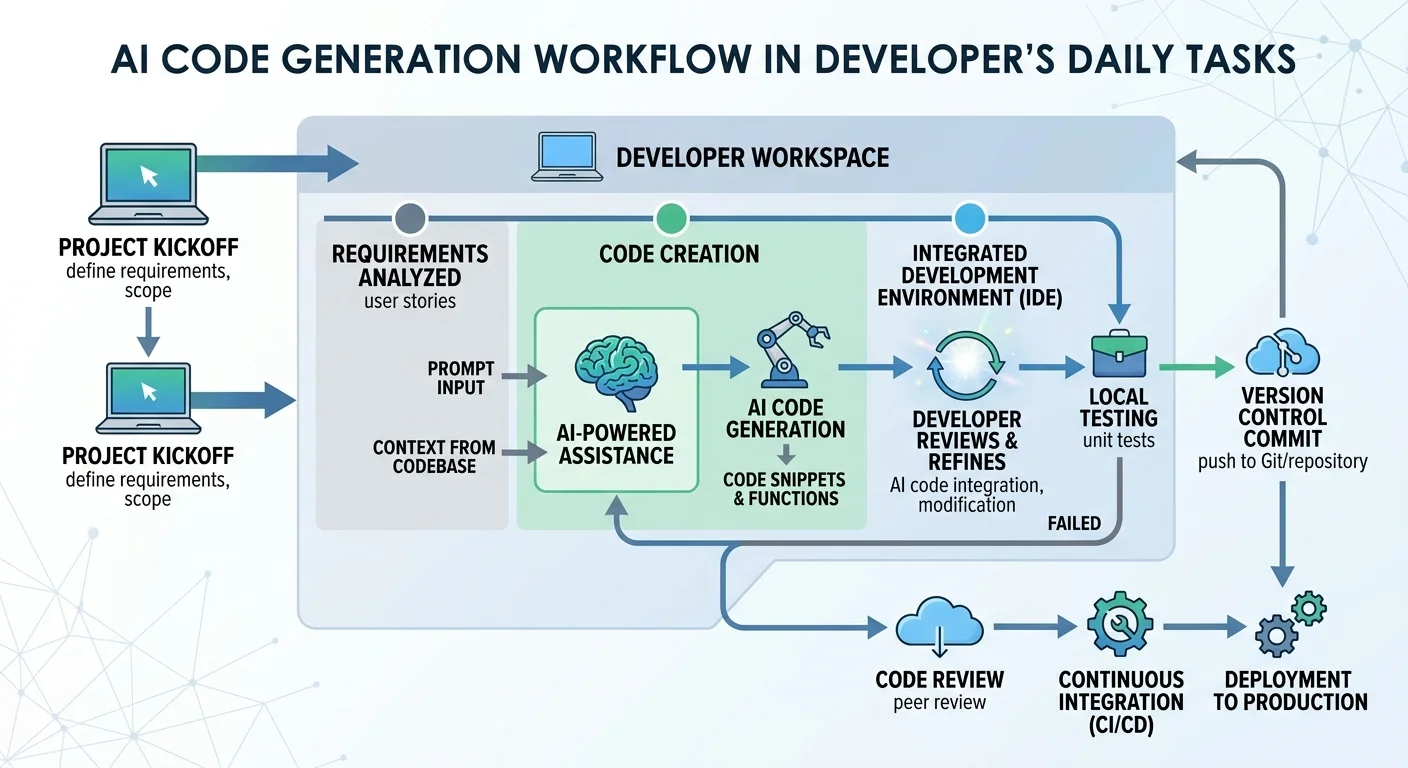
Beyond data parsing, AI code generation excels at creating small automation scripts that connect different systems. Need a script that pulls new issues from a Jira API, formats them into a Slack message, and posts to a channel? That's a perfect candidate. These integration scripts follow common patterns (authenticate, fetch, transform, send) that AI tools have seen thousands of times in training data. The result is usually a working script that needs only your API keys and endpoint URLs plugged in.
Cron jobs, file watchers, and batch processing scripts also benefit from AI generation. These utility scripts are important but rarely complex enough to justify significant development time. AI tools generate them quickly, letting you focus on the higher-value work that actually requires creative problem-solving. However, it's worth being aware of the limitations and risks of AI code generation when using generated scripts in production environments, particularly around error handling and security considerations that the AI might overlook.
Frequently Asked Questions
?How do I validate AI-generated CRUD operations before pushing to production?
?Does GitHub Copilot outperform specialized tools for React component generation?
?Is the 45-minute to 5-minute scaffolding time realistic for complex landing pages?
?Can AI-generated unit tests replace reviewing edge cases manually?
Final Thoughts
The common use cases for AI code generation today center on tasks that are repetitive, well-structured, and pattern-heavy. Front-end scaffolding, backend boilerplate, test generation, documentation, and data transformation scripts all fit this profile. The technology works best as an accelerator, not a replacement, for skilled developers who can evaluate and refine the output.
Start with low-risk tasks like utility scripts and component scaffolding, build confidence in your AI-assisted workflow, and expand from there. The developers getting the most value from these tools are the ones who treat them as a capable but imperfect pair programmer.
Disclaimer: Portions of this content may have been generated using AI tools to enhance clarity and brevity. While reviewed by a human, independent verification is encouraged.